How to Install EXM Tweaks
Getting started with EXM Tweaks is quick and straightforward. Follow the steps below to get up and running in minutes.
Step 1 — Visit the Website
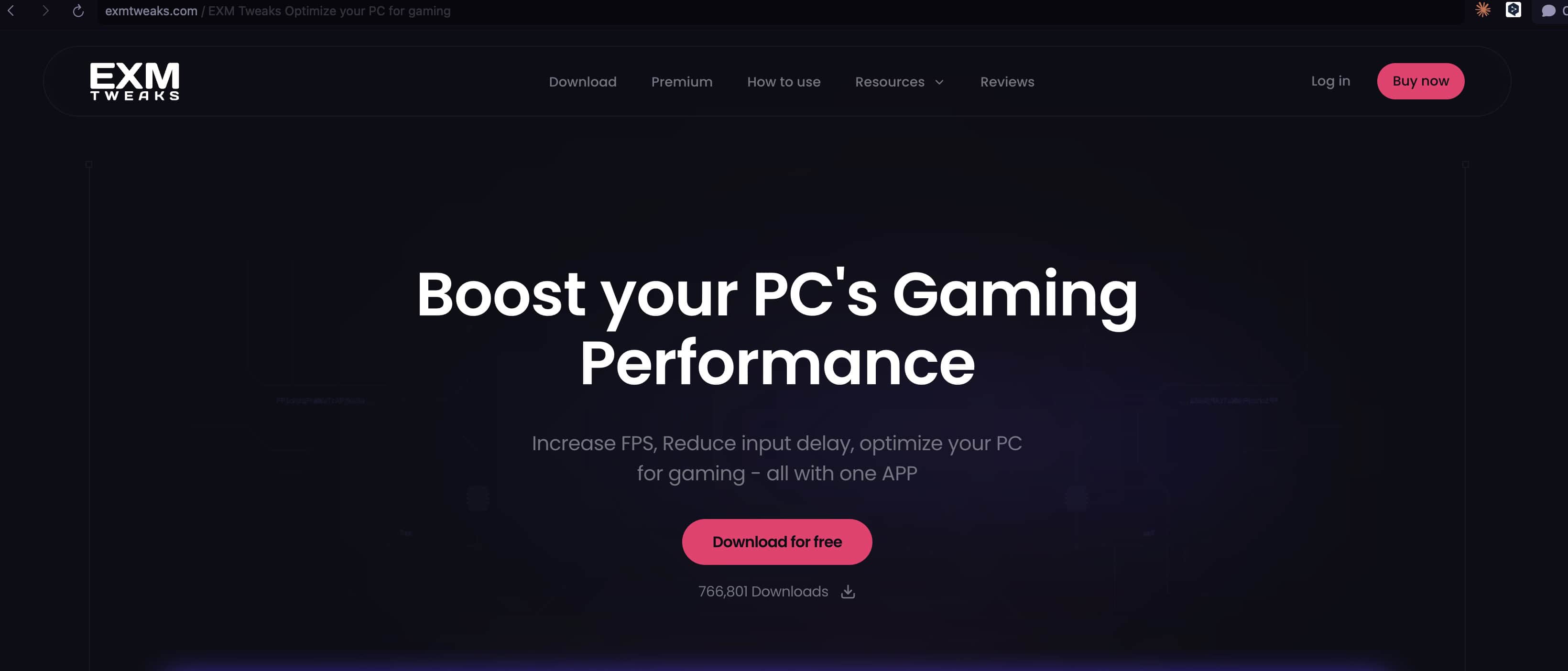
Head over to exmtweaks.com in your browser.
Step 2 — Download the Application
On the homepage, click the download button to grab the latest version of EXM Tweaks. Once downloaded, run the installer and follow the on-screen prompts to complete installation.
⚠️ If your antivirus flags the installer, don't worry — this is a known false positive. See our Is EXM a Virus? article for more information.
Step 3 — Log In or Create an Account
When prompted, sign in with your existing EXM account. If you're new, go ahead and register — it only takes a moment.

Step 4 — Verify Your Identity
For security purposes, you'll be asked to verify yourself. This can be done through your browser or via Discord, whichever you prefer.
Step 5 — Open EXM and Have Fun
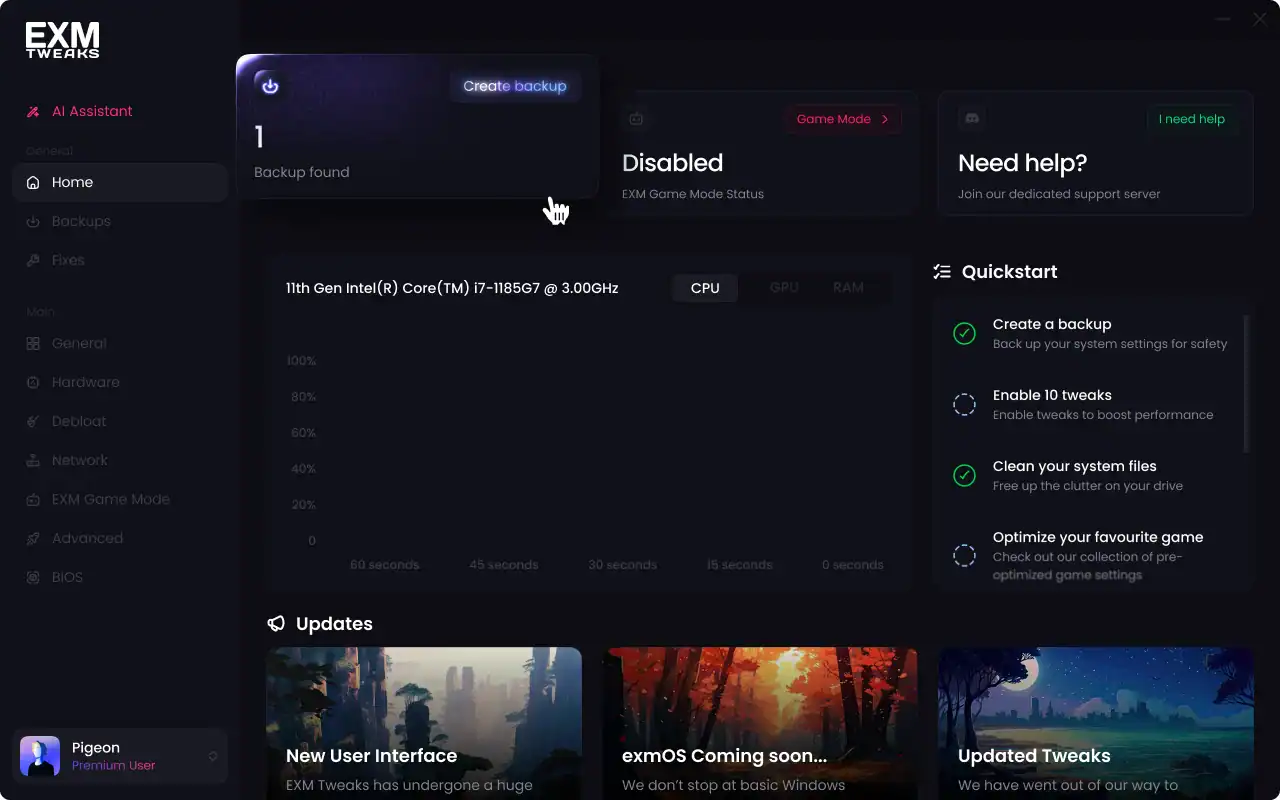
That's it — you're in! Open EXM Tweaks and start optimizing your system.
Need Help?
If you run into any issues during installation, reach out to our support team at support@exmtweaks.com and we'll get you sorted.